AC_FDM_Component.
Setting the Visibility
You can useRequest Show Menu
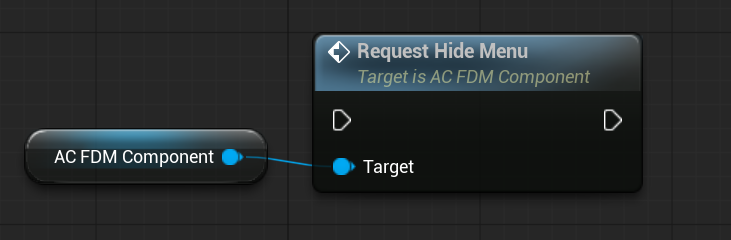
Request Hide Menu
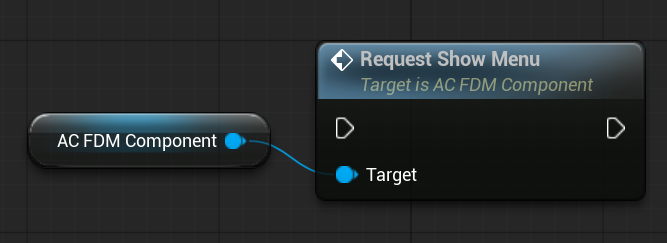
On Menu Visibility Changed event gets triggered.
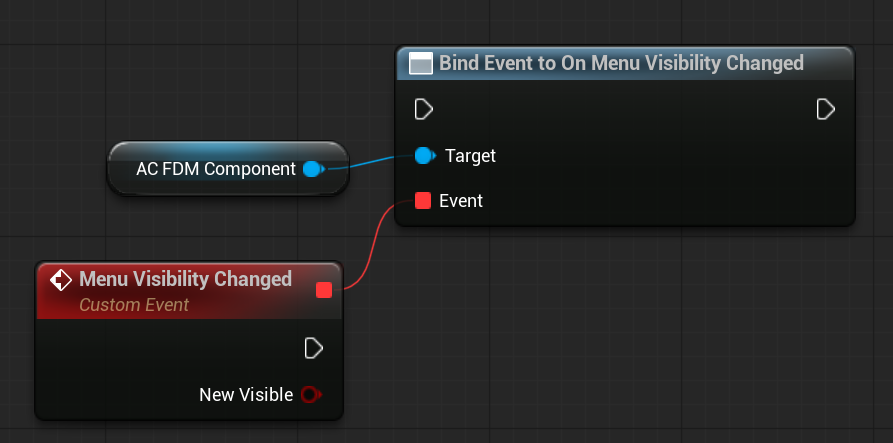
Default Visibility And Auto Hiding
You can configure these settings in your configuration data asset.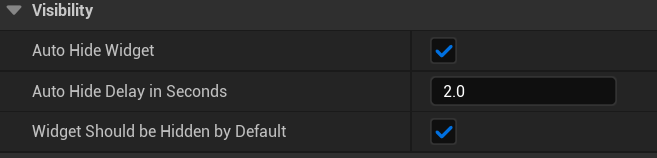
Animations
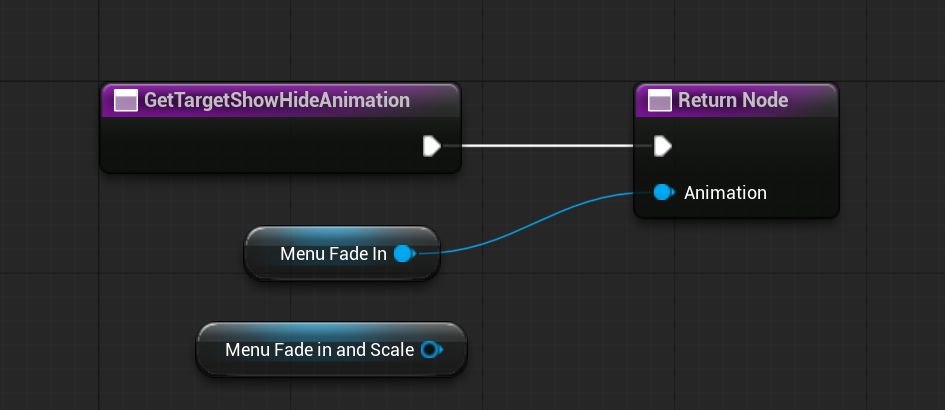
When the showing or hiding function gets called,AC_FDM_Component redirects this request to WBP_FDM_Widget via interface functions.
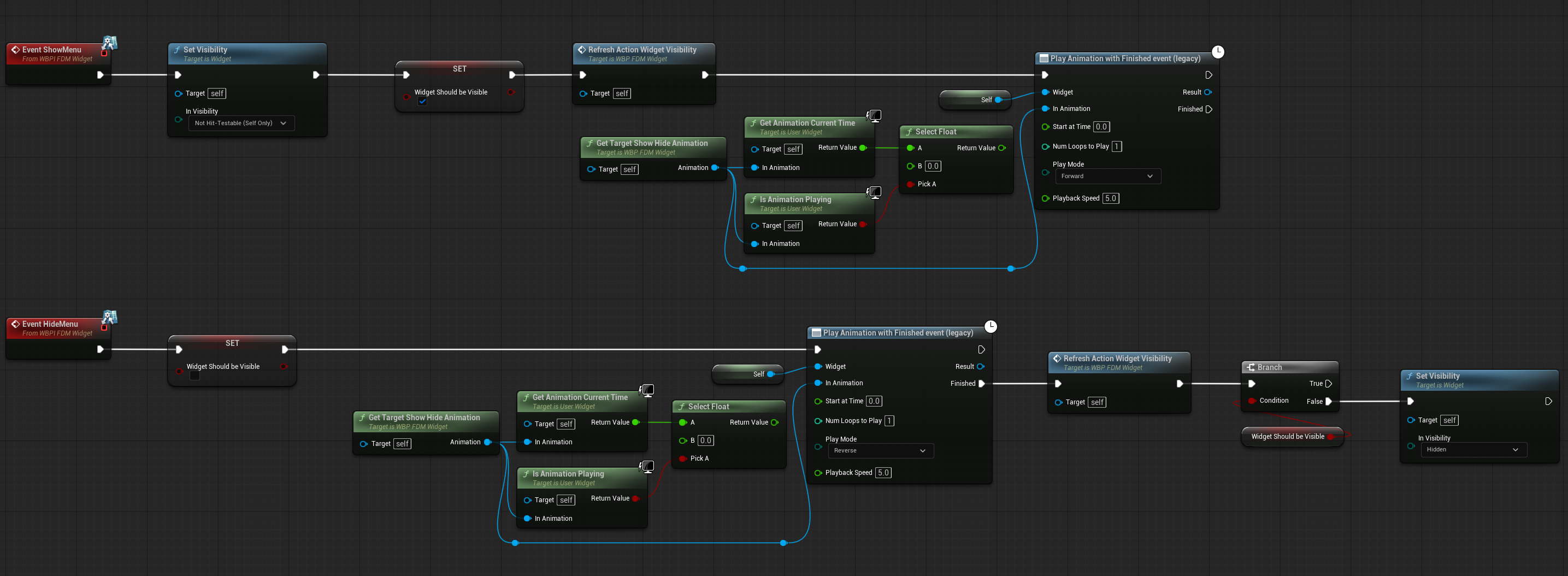
WBP_FDM_Widget and you can create your own show and hide animations.