Entry Metadata (S_FDM_EntryMetada)
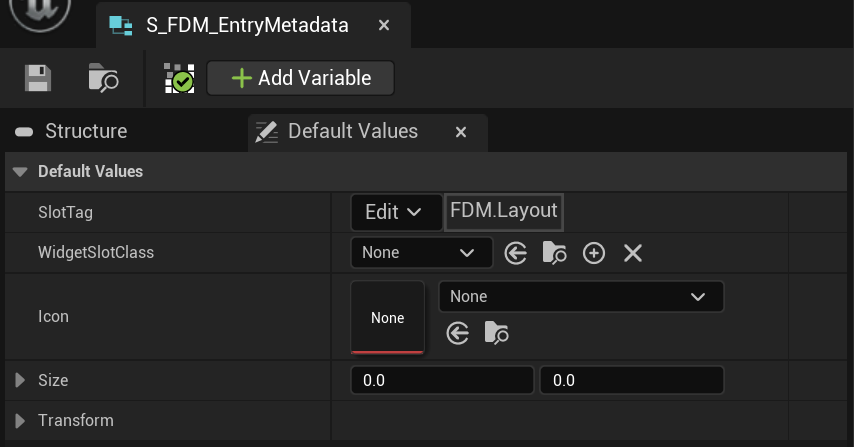
- SlotTag: This tag determines which container the entry widget will be placed in. Make sure the tag you use here is also defined in Config > Layout Data.
You can use pre-defined tag like FDM.Layout.Up.1 or FDM.Layout.2 or you can create tags like FDM.Layout.Throwables.Grenade - WidgetSlotClass: The class for the widget to be created and used for entry. It must implement the
WBPI_FDM_EntrySlotinterface. You can use example slot widgets or create your own widgets.