> ## Documentation Index
> Fetch the complete documentation index at: https://fdm.furkankursav.com/llms.txt
> Use this file to discover all available pages before exploring further.
# Example Levels
FDM comes with 2 different levels.
## Empty Level (L\_FDM)
It is located in `Content/FlexibleDirectionalMenu/Levels`
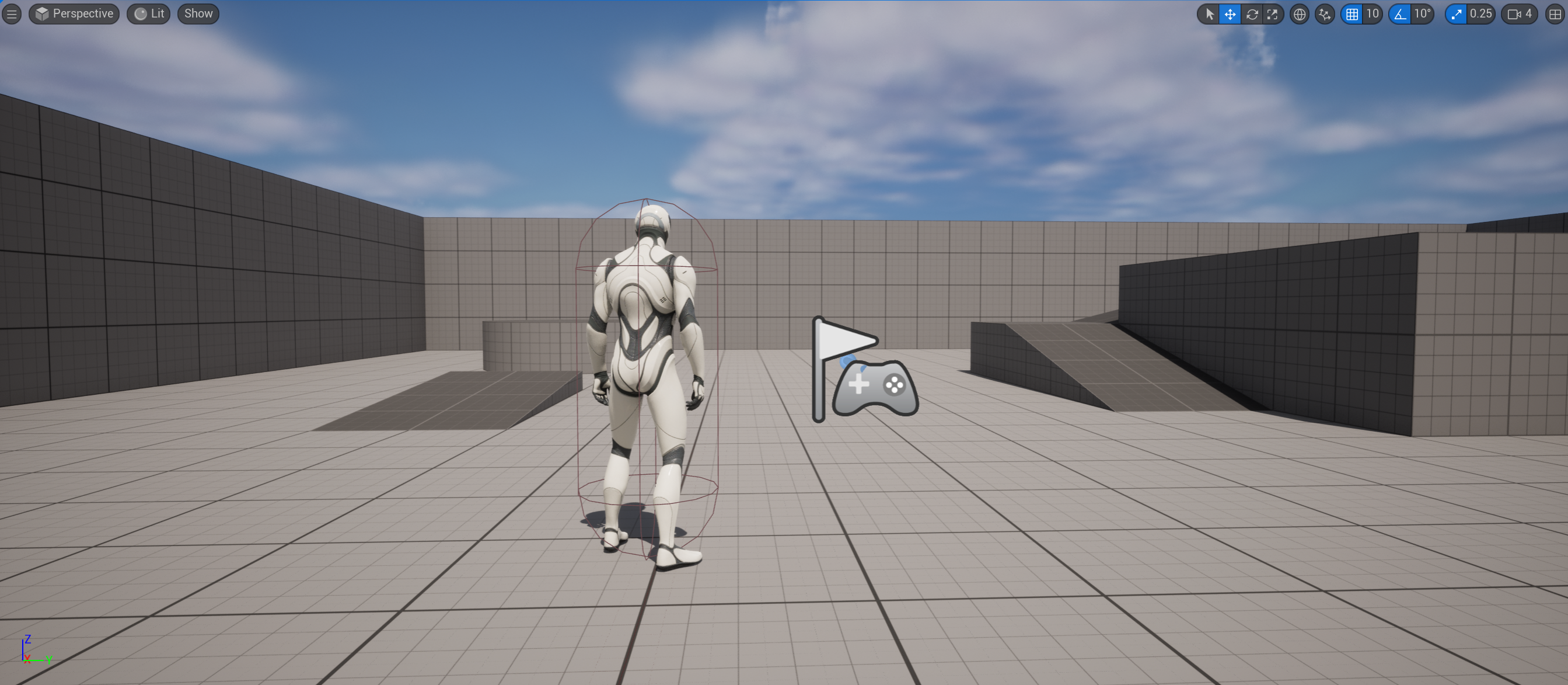 It just an empty level for testing different configurations quickly.
Select the character that is already placed on the level, open the `Details` panel and find `FDM|Testing` section, you will see some buttons.
It just an empty level for testing different configurations quickly.
Select the character that is already placed on the level, open the `Details` panel and find `FDM|Testing` section, you will see some buttons.
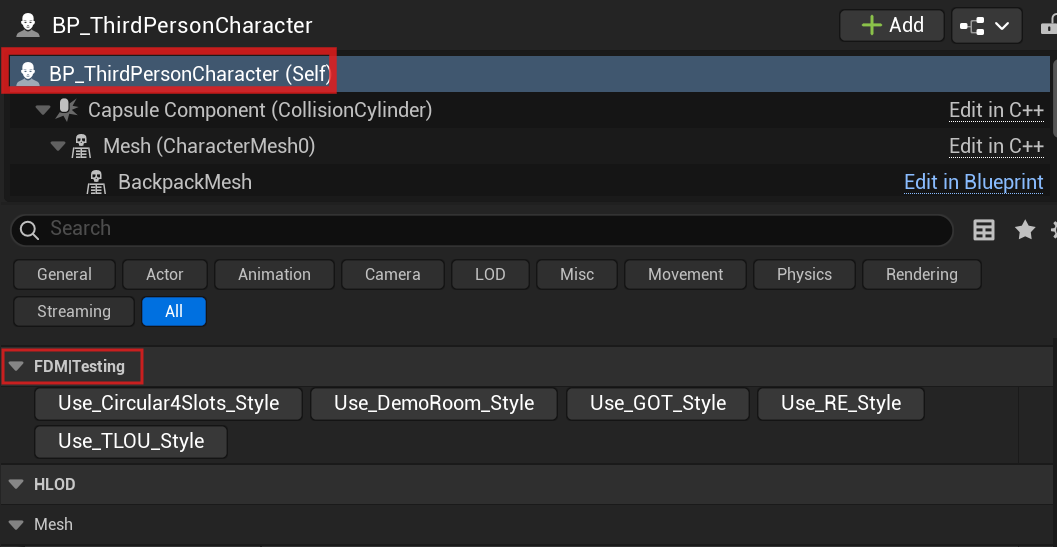 You can use these buttons to test the example configurations quickly.
## Demo Room (L\_FDM\_DemoRoom)
It is located in `Content/FlexibleDirectionalMenu/Demo/Levels`
You can use these buttons to test the example configurations quickly.
## Demo Room (L\_FDM\_DemoRoom)
It is located in `Content/FlexibleDirectionalMenu/Demo/Levels`
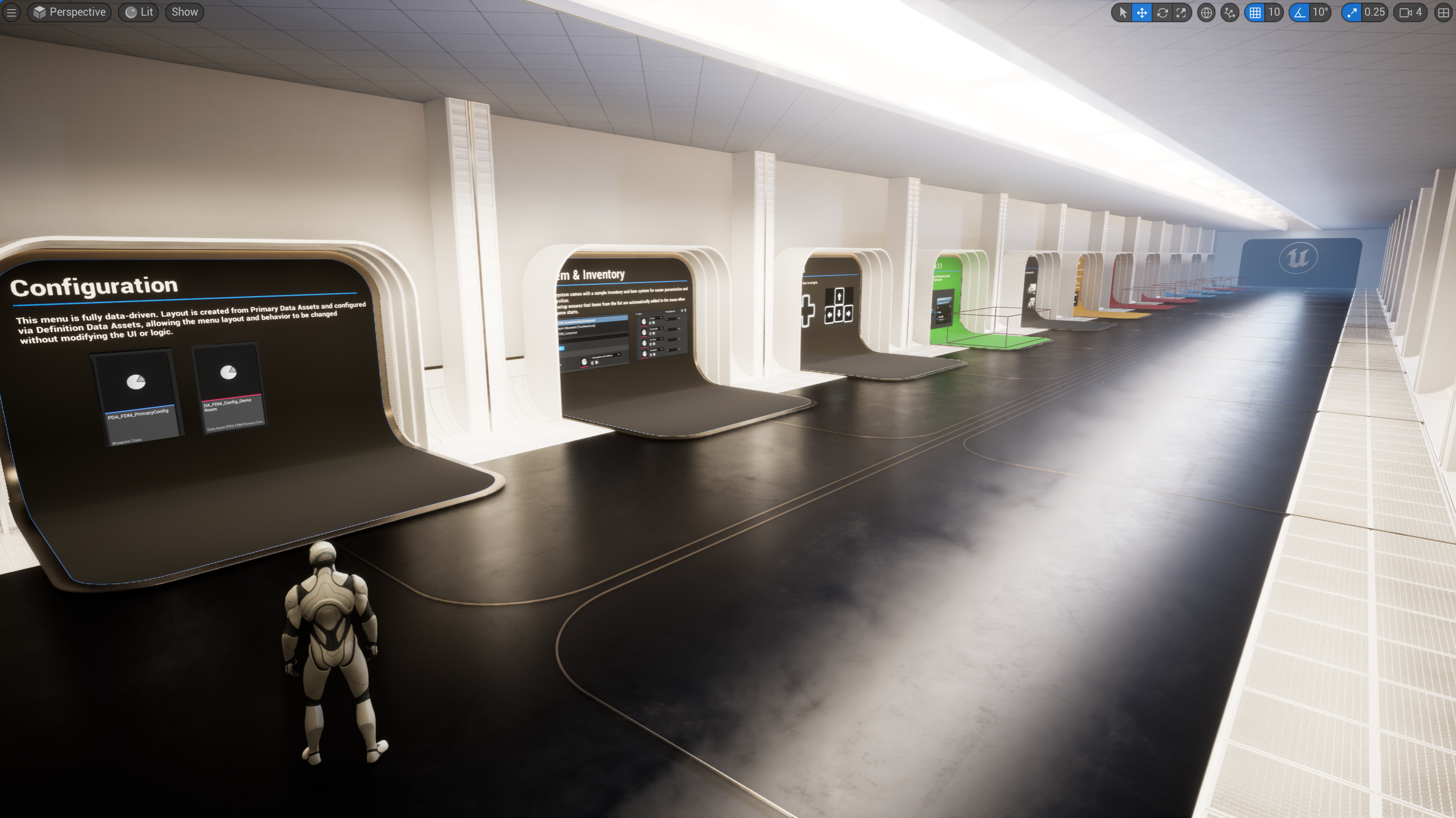 This map is designed to let you experience the features offered by the FDM system by playing it.
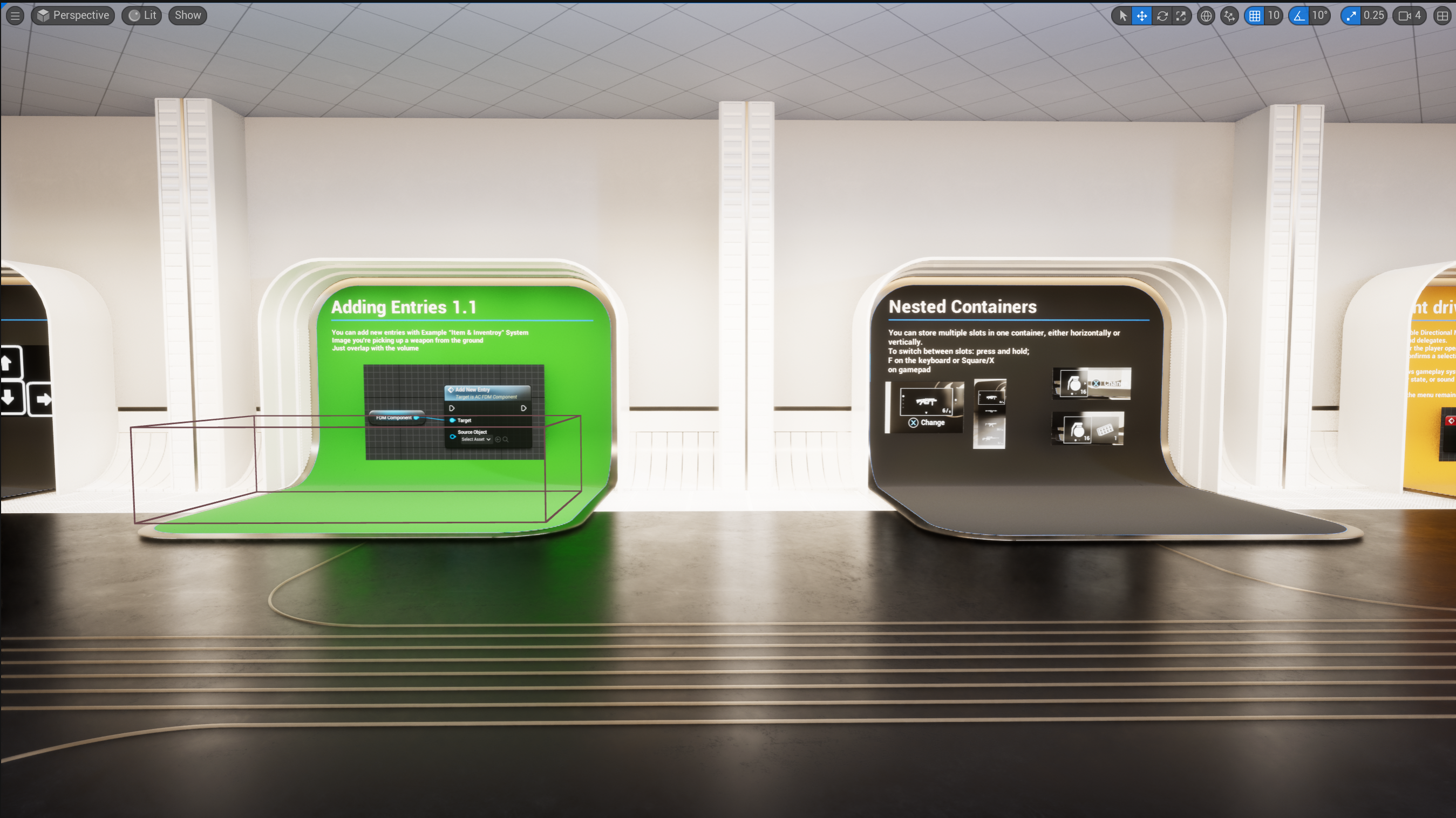 Within the map, key features such as adding a new record, deleting an existing record, or moving its location during the work process are demonstrated practically.