> ## Documentation Index
> Fetch the complete documentation index at: https://fdm.furkankursav.com/llms.txt
> Use this file to discover all available pages before exploring further.
# CRUD Operations
`AC_FDM_Component` manages the menu’s entries and their placements. It supports runtime operations such as:
* Add entries
* Remove entries
* Move entries to new locations
* Swap entry locations
Entries are standard `UObject` instances that implement the entry interface `BPI_FDM_Entry`. The component treats entries as **data + behavior providers**, while the UI is responsible for visualization.
#### Adding Entry
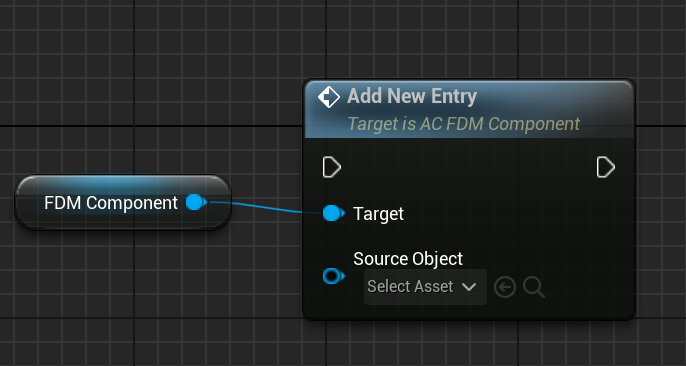 When a new entry has been added, “On Entry Added” interface function gets called on SourceObject and the “OnNewEntryAdded(Added Entry)” event gets triggered.
#### Removing Entry
When a new entry has been added, “On Entry Added” interface function gets called on SourceObject and the “OnNewEntryAdded(Added Entry)” event gets triggered.
#### Removing Entry
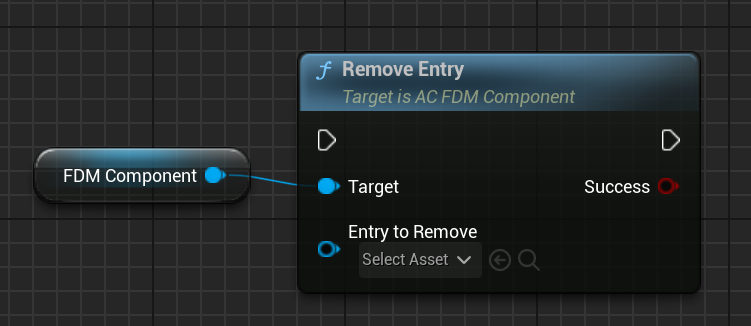 When you remove an entry, “On Entry Removed” interface function gets called and the “OnEntryPlacementsChanged(ChangedEntries)” event gets triggered.
#### Getting An Entry / Location
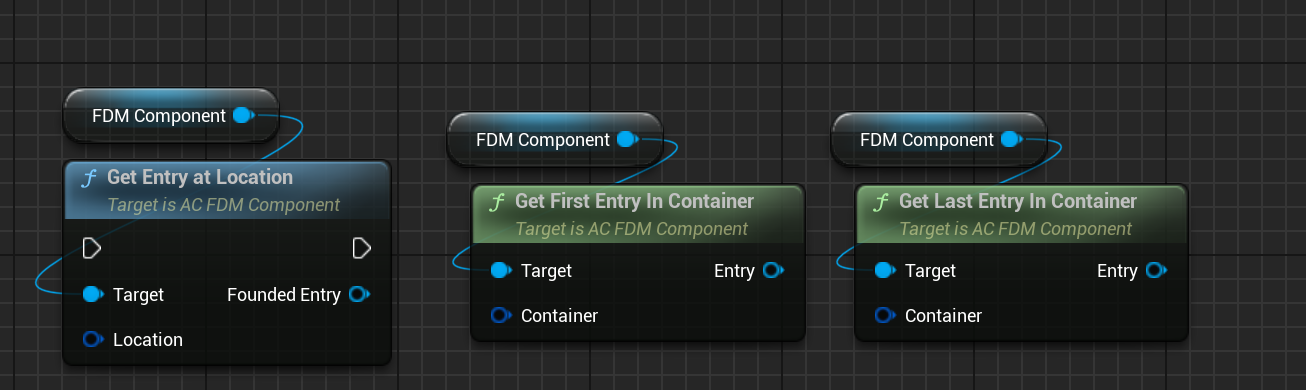
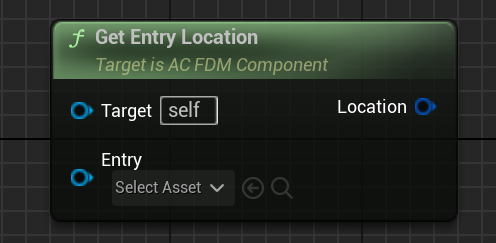
You can use some query functions for that.
When you remove an entry, “On Entry Removed” interface function gets called and the “OnEntryPlacementsChanged(ChangedEntries)” event gets triggered.
#### Getting An Entry / Location
You can use some query functions for that.
 #### Changing An Entry’s Location
You can use “Move Entry To Location” to move an entry to a specific location. If there is already an entry in the new location, it will swap their locations automatically.
#### Changing An Entry’s Location
You can use “Move Entry To Location” to move an entry to a specific location. If there is already an entry in the new location, it will swap their locations automatically.
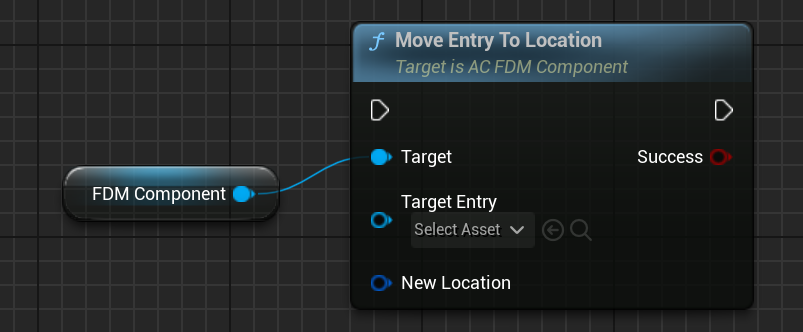 or you can swap 2 entry locations using “Swap Entry Locations” function.
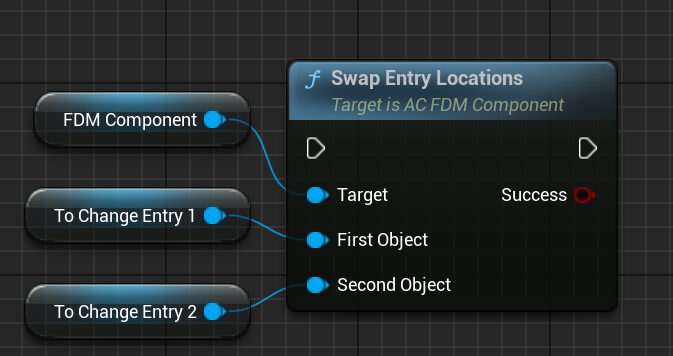 When an entry’s location has been changed, “On Entry Placements Changed” event gets triggered